


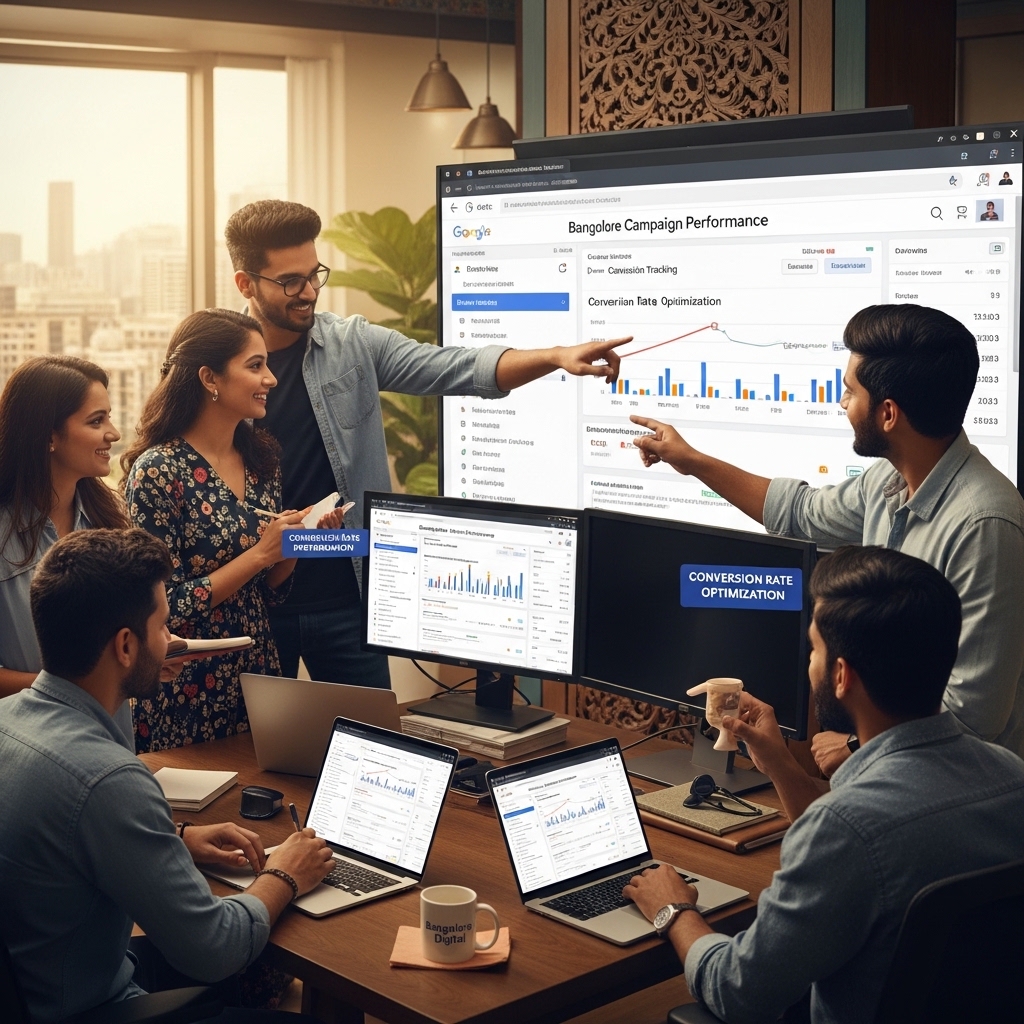

Google Ads Conversion Tracking in Bangalore: A Comprehensive Guide
As a business owner in Bangalore, you understand the importance of measuring the effectiveness of your online advertising campaigns. Google Ads conversion tracking is a powerful tool that helps you track the performance of your ads and attribute conversions to specific ad campaigns. In this article, we’ll explore the world of Google Ads conversion tracking in Bangalore and provide you with a comprehensive guide to help you get started.
What is Google Ads Conversion Tracking?
Google Ads conversion tracking is a feature that allows you to track the actions taken by users who visit your website after clicking on your Google Ads. This includes conversions such as filling out a form, making a purchase, or subscribing to a newsletter. By tracking conversions, you can measure the return on investment (ROI) of your ad campaigns and make data-driven decisions to optimize your ad spend.
Benefits of Google Ads Conversion Tracking
There are several benefits to implementing Google Ads conversion tracking in Bangalore:
- Improved ROI: By tracking conversions, you can measure the ROI of your ad campaigns and make data-driven decisions to optimize your ad spend.
- Increased accuracy: Google Ads conversion tracking provides accurate and reliable data, eliminating the need for manual tracking and estimation.
- Better ad targeting: By tracking conversions, you can identify which ad groups and keywords are driving the most conversions, allowing you to optimize your ad targeting.
- Enhanced customer insights: Google Ads conversion tracking provides valuable insights into customer behavior, helping you to better understand your target audience and optimize your marketing strategy.
- Incorrect conversion tracking code: Make sure to copy the conversion tracking code correctly and add it to the correct page on your website.
- Insufficient data: Ensure that you have sufficient data to track conversions. This includes making sure that your conversion tracking code is set up correctly and that you have enough conversions to track.
- Incorrect conversion value: Make sure to set the correct conversion value for each conversion action. This will help you to accurately track the value of each conversion.
- Use specific conversion actions: Use specific conversion actions to track conversions, rather than using generic conversions like “website traffic”.
- Set clear goals: Set clear goals for each conversion action, such as “generate leads” or “drive sales”.
- Track conversions regularly: Track conversions regularly to ensure that your conversion tracking code is working correctly and to identify any issues.
- Q: How do I track conversions on my website?
- Q: What is the difference between a conversion and a conversion action?
- Q: How do I optimize my ad campaigns for conversions?
- Meta Pixel Setup Bangalore: Learn how to set up the Facebook pixel on your website in Bangalore. https://daffodilsmedia.com/meta-pixel-setup-bangalore/
- Tracking Pixel Implementation Bangalore: Learn how to implement tracking pixels on your website in Bangalore. https://daffodilsmedia.com/tracking-pixel-implementation-bangalore/
- Affiliate Marketing Setup Bangalore: Learn how to set up affiliate marketing campaigns in Bangalore. https://daffodilsmedia.com/affiliate-marketing-setup-bangalore/
Setting Up Google Ads Conversion Tracking
Setting up Google Ads conversion tracking is a straightforward process. Here’s a step-by-step guide:
1. Create a conversion action: Log in to your Google Ads account and create a conversion action by clicking on the “Conversions” tab and then selecting “+Conversion action”.
2. Choose a conversion type: Select the type of conversion you want to track, such as a form submission or a purchase.
3. Set up conversion tracking code: Google will provide you with a conversion tracking code that you need to add to your website. You can do this by clicking on the “Get code” button and then copying the code into your website’s HTML.
4. Verify conversion tracking: Once you’ve added the conversion tracking code to your website, you need to verify that it’s working correctly. You can do this by clicking on the “Verify” button and then checking your Google Ads account for conversion data.
Common Conversion Tracking Mistakes
While setting up Google Ads conversion tracking is relatively simple, there are some common mistakes that can occur. Here are a few common mistakes to avoid:
Best Practices for Google Ads Conversion Tracking
Here are some best practices to keep in mind when setting up Google Ads conversion tracking:
Frequently Asked Questions
Here are some frequently asked questions about Google Ads conversion tracking:
A: To track conversions on your website, you need to set up Google Ads conversion tracking by creating a conversion action and adding the conversion tracking code to your website.
A: A conversion is an action taken by a user on your website, such as filling out a form or making a purchase. A conversion action is a specific action that you want to track, such as “generate leads” or “drive sales”.
A: To optimize your ad campaigns for conversions, you need to track conversions regularly and use the data to make data-driven decisions about your ad targeting and bidding.
Conclusion
Google Ads conversion tracking is a powerful tool that helps you track the performance of your ad campaigns and attribute conversions to specific ad campaigns. By setting up Google Ads conversion tracking correctly and following best practices, you can improve the ROI of your ad campaigns and make data-driven decisions to optimize your marketing strategy. At Daffodils Media, we specialize in Google Ads conversion tracking and other digital marketing services. Contact us today to learn more about how we can help you achieve your marketing goals.
Additional Resources
By following this guide, you’ll be well on your way to setting up Google Ads conversion tracking in Bangalore and optimizing your ad campaigns for conversions. Remember to regularly track conversions and use the data to make data-driven decisions about your ad targeting and bidding.